
Analog Clock: Transform Your Screen Into an Elegant Timepiece and Minimalist Desktop Background
Published on July 15, 2025
Analog Clock: Where Timekeeping Meets Digital Artistry
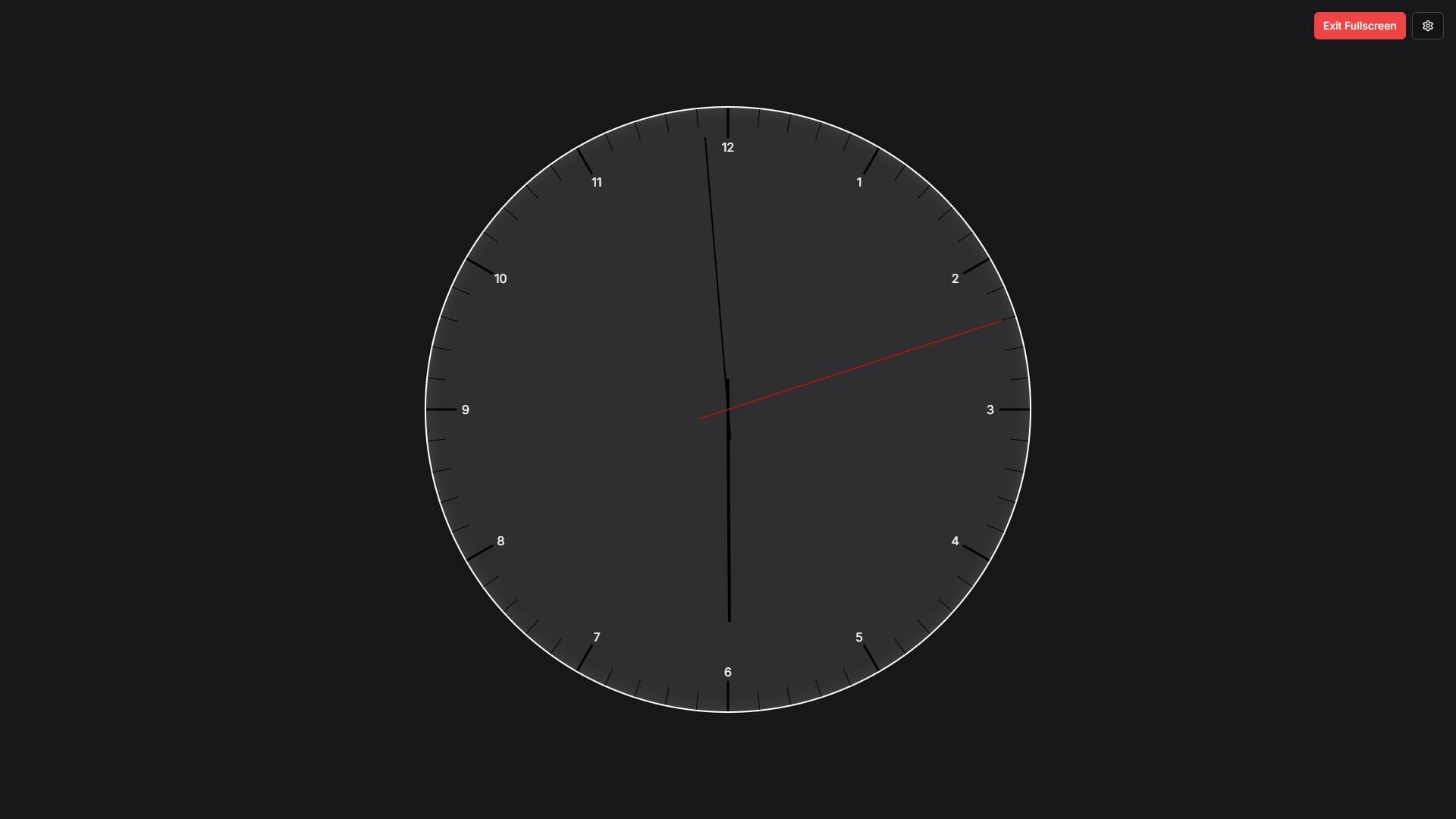
Open the Analog Clock on a spare screen to keep the current time visible. Choose a dial style and colors, then use fullscreen for a display without browser chrome. It runs in a browser window and does not replace the operating system's desktop wallpaper.
The Art of Analog Time Display
Unlike the stark precision of digital clocks that count every second with numerical exactness, analog clocks offer a more intuitive, gestural representation of time. The circular layout provides an instant visual understanding of time's passage - you can see at a glance how much of the hour has elapsed, how close you are to the next meeting, or how much time remains in your workday.
The Analog Clock effect captures this intuitive design while adding modern customization options that would make traditional clockmakers envious. Choose from classic, Roman numeral, or sleek modern styles, each rendered in high resolution with smooth, natural movement that mimics the finest mechanical timepieces.
Dial and Color Controls
Clock Style offers Classic, Roman Numerals, Modern, Minimal, Luxury, Dots Only, and Vintage. Minimal and Dots Only remove the numbers by design.
Background Color changes the area behind the dial. Clock Color changes the face outline, hands, and numbers together. There is no separate color control for each hand, image-upload control, or transparency mode in the current interface.
Show Second Hand toggles the second hand. The clock scales with the browser window; enlarge the window or use fullscreen to make it bigger.
Perfect for Focused Productivity
Analog Clock shines in professional and creative environments where maintaining focus is essential:
Minimalist Desktop Background: Replace cluttered backgrounds with a clean, functional display that reduces visual distractions while keeping you oriented in time.
Home Office Essential: Create a professional atmosphere during video calls by positioning the clock in your line of sight, helping you manage meeting times without constantly checking your taskbar.
Time at a Glance: Keep the dial visible on a spare screen and choose colors that make the hands easy to distinguish.
Design Studio Companion: The customizable aesthetics make Analog Clock perfect for designers, artists, and creatives who appreciate beautiful functional objects in their workspace.
Reading an Analog Display
The hands show the hour and minute positions around a dial. Choose this view if you prefer a clock face; use a digital clock when you need to read exact numbers at a glance.
For children learning to tell time, use the dial to practice reading the positions of the hour and minute hands.
Meditation and Mindfulness Applications
You can keep the clock visible during a quiet break. It shows the current time; it does not count down or alert you when a session ends. Use the Countdown Timer if you need an end-of-session alert.
Use Analog Clock as:
- Meditation Timer: Set it in your practice space to track session length without harsh digital alerts
- Mindful Breaks: Take a moment to simply watch time pass, grounding yourself in the present
- Breathing Exercise Guide: Sync your breath to the second hand's movement for timed breathing exercises
Ambient Display for Living Spaces
Beyond productivity and meditation, Analog Clock excels as ambient decor:
Kitchen Timer Alternative: Keep track of cooking times with an elegant display that complements your kitchen aesthetic better than a traditional timer.
Bedroom Timepiece: Set it on a tablet or spare monitor as a bedside clock, and adjust screen brightness to suit the room.
Living Room Statement Piece: Mount a display running Analog Clock as modern wall art that's both beautiful and functional.
Reception Area Display: Create a welcoming, professional atmosphere in offices or waiting rooms with an elegant timepiece display.
Technical Excellence
Despite its classic appearance, Analog Clock represents sophisticated web technology. The smooth hand movement utilizes precise calculations to ensure accurate timekeeping synchronized with your device's system clock. The high-resolution rendering ensures crisp, beautiful display even on high-DPI screens and large monitors.
The effect is remarkably resource-efficient, making it suitable for extended display periods without draining laptop batteries or causing devices to overheat. You can confidently leave it running all day as a functional desktop background.
Creating Your Perfect Clock
- Open the Analog Clock.
- Choose Clock Style and set Background Color and Clock Color with enough contrast to see the hands.
- Toggle Show Second Hand to suit your preference.
- Select Play Fullscreen and check the time from your normal viewing distance.
The clock follows your device's system time, so correct the device clock if it is wrong. Settings reset on reload. For missing numbers, size changes, or other problems, see the Analog Clock help guide.