
9 Places an Ocean Waves Background Calms a Room
Published on October 01, 2026
By WebLight.
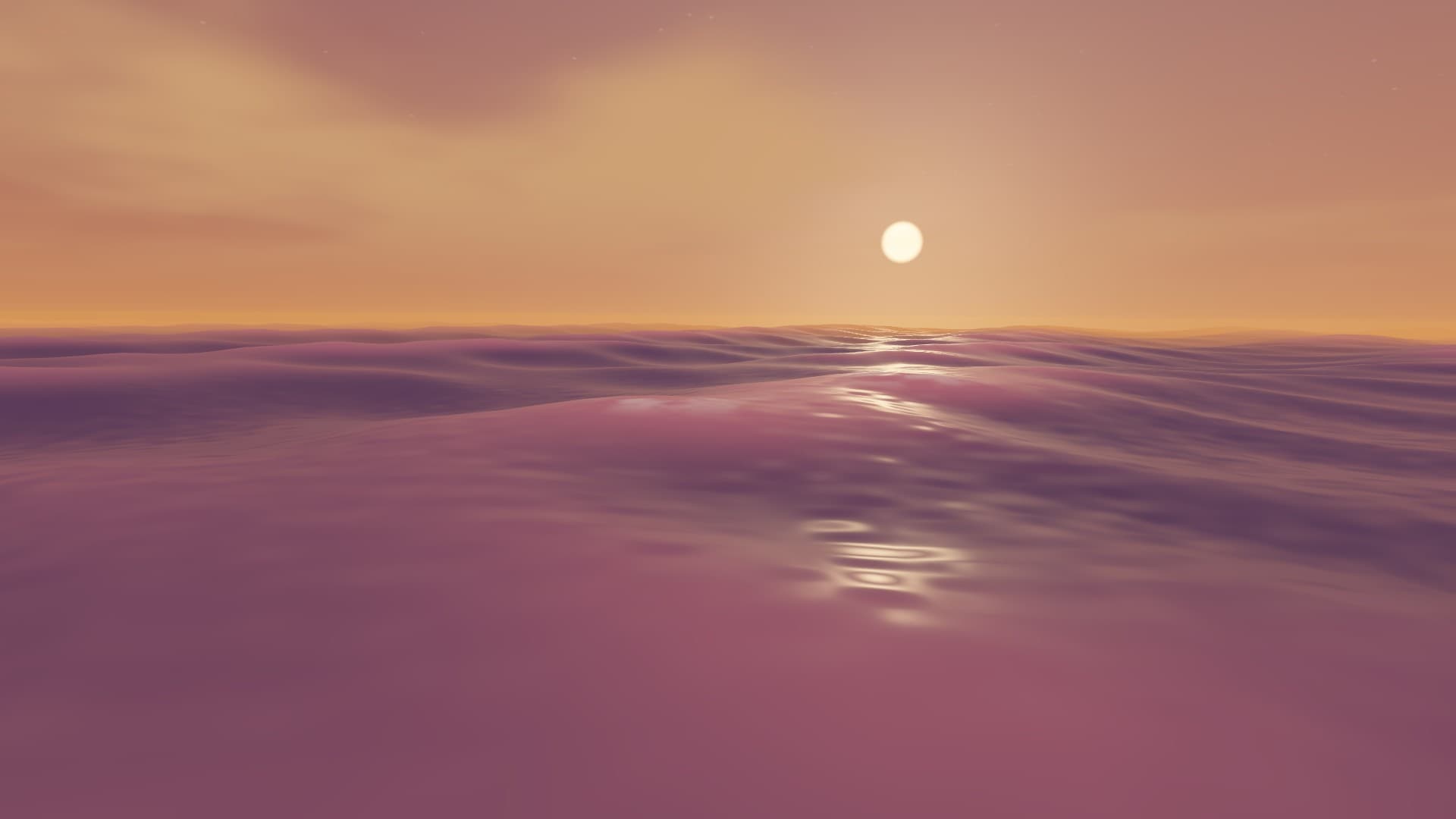
An ocean waves background does one job well: it gives a screen something slow to do. WebLight's Ocean Waves is a 3D sea you look at from just above the water, with swell rolling in, a glitter path from the sun or moon, and foam on the crests. It runs in your browser and loops forever, so it can sit on a TV, a second monitor or a stream scene without anyone minding it.
Here are nine places it fits, with the scene and settings that suit each. For setup steps and every control, see the Ocean Waves help article.
1. A "be right back" screen for streams
A moving sea holds a break screen better than a still image, and it is easy to look at while viewers wait. Use Tropical lagoon or Sunny day with Wave height around 40. WebLight can generate a clean link for OBS from the Share & OBS group, and the OBS browser source guide shows how to add it.
2. A second monitor while you work
Lower the Wave height and Wave speed and put Sunny day on the screen at the edge of your desk. The slow motion gives your eyes somewhere to rest between tasks without pulling attention the way a video would. Keep Music off if you already listen to something.
3. A quiet corner TV
For a reading nook, a waiting area or a hallway, Golden sunset at a low wave height looks warm and unhurried. Keep Floating camera on so the view rocks gently, which stops it looking like a frozen picture.
4. A wind-down screen in the evening
Moonlit night is the darkest scene and the least bright in a dim room. Set Wave speed low, turn Music on at a low Volume, and let it run while you wind down. It is a pleasant backdrop. It is not a medical or sleep treatment.
5. A backdrop for yoga or meditation
A slow sea gives a group a shared point to look at. Choose Sunny day or Golden sunset, lower Choppiness for long, rounded swell, and use Music for a soft bed that swells and fades like waves. The music is instrumental pads, not recorded surf.
6. A summer party or tiki night
Tropical lagoon with higher Wave height and a little extra Foam turns a TV into a window onto a bright beach. Put it behind a drinks table or a photo spot.
7. A winter escape on a grey day
When the weather is dull, a turquoise sea on the living-room TV changes the feel of the room. Raise Camera height to see more water and less sky, and the whole screen fills with colour.
8. A study background
Set Wave speed low and Floating camera off for a steady view with gentle motion only in the water. If you want focus music, the Music track loops seamlessly.
9. A dinner-hour ambience
At a dinner or a get-together, put Golden sunset on the TV with Music at a low volume. The sun sits near the horizon with its glitter path on the water, and nobody has to choose a playlist.
Starting points for each mood
These are suggested settings to start from, not tested rules. Sunny day at 50, 40 and 35 is the effect's default. Adjust from your own seat, because a sea that looks gentle on a laptop can look busy across a room.
| Mood | Scene | Wave height | Wave speed | Choppiness |
|---|---|---|---|---|
| Bright and open | Sunny day | 50 | 40 | 35 |
| Warm and slow | Golden sunset | 30 | 25 | 15 |
| Dark and quiet | Moonlit night | 25 | 20 | 10 |
| Fresh and vivid | Tropical lagoon | 60 | 45 | 40 |
Moonlit night is the dimmest scene, so it works best in a dark room. If the picture looks too dark or too bright, change Brightness rather than the scene.
FAQ
Does it play real ocean sounds? No. The optional Music is calm instrumental music with swelling pads. There are no recorded waves or splash effects.
Can I leave it on all day? Yes, in a browser tab or fullscreen. It is a web page, so your computer's sleep and screen-off settings still apply.
Is it free? Yes. Open it in your browser and select Play Fullscreen.
Try it
Open Ocean Waves, pick a scene and select Play Fullscreen. If you like the mood, try the Koi Pond, Aurora or Fireplace for other slow, calm screens.
Try These Effects
Ocean Waves
Rolling 3D ocean waves under a sky that changes from sunny day to golden sunset, moonlit night and a turquoise tropical lagoon, with optional calm music.
Koi Pond
Look down into a koi pond with individually patterned fish, a pebbled bed lit by moving caustics, and three scenes: a classic pond, a Chinese garden with lotus flowers and a Japanese garden with a waterfall. Watch for rare rainbow fish.
Aurora Borealis
Mesmerizing northern lights effect with flowing colors
Fireplace
A realistic animated fireplace with layered flames, glowing logs, embers, smoke, and sparks
Related Articles
How to Set Up a Koi Pond on Your TV
Put a top-down koi pond on a TV, choose fish that read clearly from your seat, and adjust water and movement separately.
How to Put an Animated Galaxy Behind You on Zoom, Teams and Meet
Run a slowly turning 3D galaxy on a screen behind you for video calls, without washing out your face or distracting the people you're talking to.
Virtual Aquarium: Turn a Spare Screen into a Living Fish Tank
WebLight's Aquarium draws animated fish, drifting light and rising bubbles over four habitat scenes that follow the time of day. Here's how to set it up.