
Halloween Projection Scene Ideas for a Dark Room
Published on September 23, 2026
Halloween Projection Scene Ideas for a Dark Room
A projector is the cheapest way to make a Halloween room feel haunted. One lamp gives you moving decorations on a bare wall, a front window or a sheet of mesh in the garage, and it packs away in a drawer on November 1st. What you project matters as much as the projector. A loop with a dark-grey background shows up on the wall as a glowing rectangle, and the illusion is gone.
WebLight's Halloween Projector Scenes effect runs in a browser tab and gives you five looping scenes on pure black. Anything outside the scene stays black, so you see a ghost on the wall instead of a bright rectangle. Here's what each scene looks like, and where it works best.
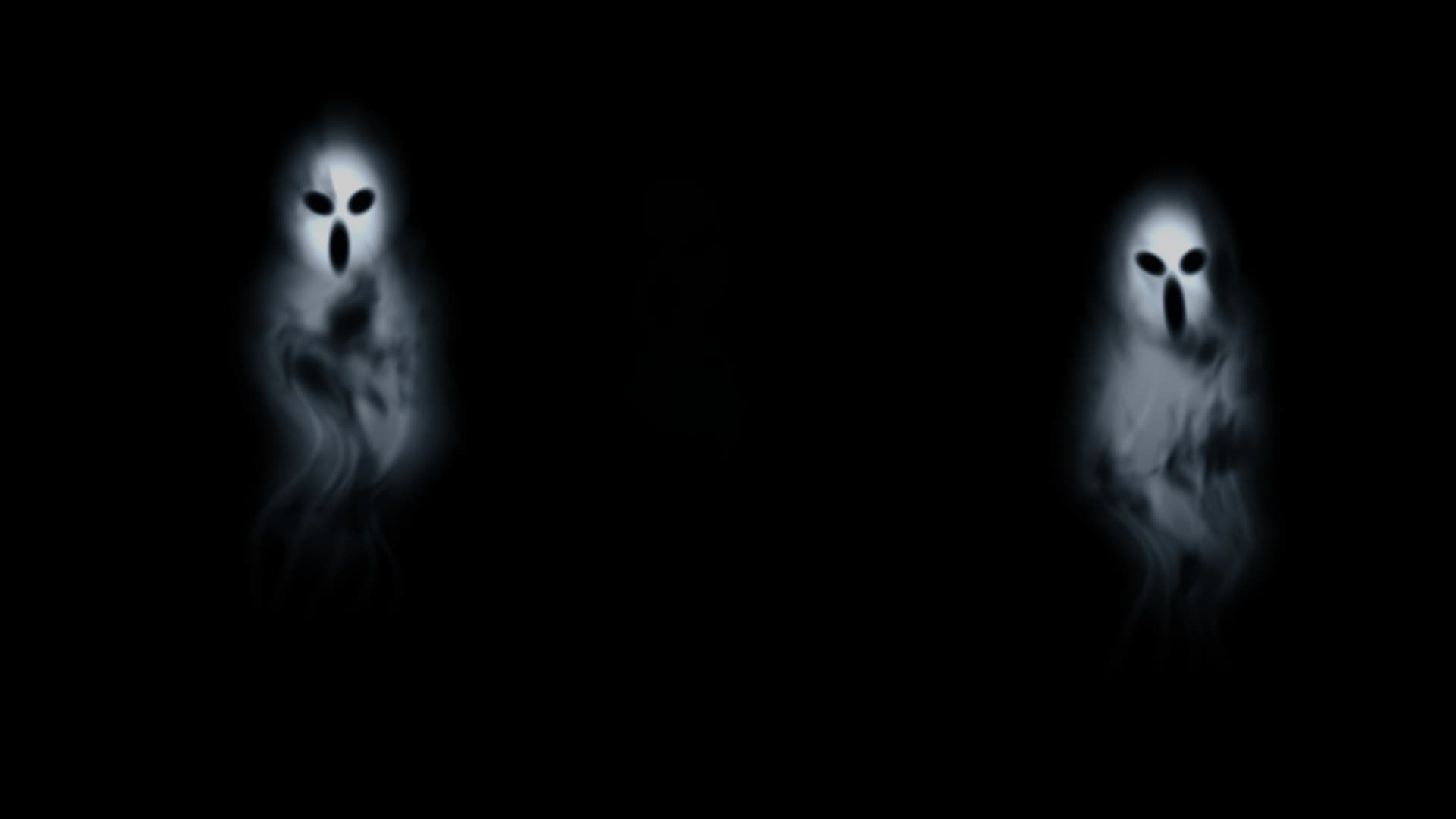
1. Wandering Spirits: the all-evening background
Three pale spirits made of smoke drift across the frame, fading in and out of the dark. Each has a glowing, hollow-eyed face, and the lower half of the figure breaks up into wisps of vapour. The motion is slow and continuous, and nothing jumps out at you.
Where it works best: a large living-room wall or the wall behind the snack table, where it can run for hours without anyone getting tired of it. The spirits have soft, translucent edges, so this is also the scene that looks most convincing on mesh or a scrim.
Setting tip: leave Scale at 100% on a wall. On a smaller surface such as a window, lower Scale until all three spirits stay inside the frame at the edges of their path.
2. Watching Eyes: best for hallways and dark corners
Seven pairs of eyes fade in around the frame, some amber-orange and some sickly green. They blink, glance around, then sink back into the dark. It's a simple idea, and it works well because people only half-see it at first.
Where it works best: somewhere guests walk past rather than stare at, like a hallway, the stairwell, the space under a staircase or a bush beside the front path. You notice eyes from the corner of your vision, so the scene doesn't need a prominent spot.
Setting tip: use Horizontal and Vertical position to push the eyes into the darkest part of the surface. If the projector sits upside down on a shelf or mount and has no flip setting of its own, turn on both Mirror horizontally and Flip vertically to turn the image the right way up.
3. Jack-o'-Lantern Séance: warm, friendly and good for kids
Three carved pumpkins sit in the dark, each lit from inside by a flickering candle flame. The light moves across the carved faces the way a real candle does. It's the least frightening of the five scenes.
Where it works best: a front window facing the street for trick-or-treaters, a kids' party, or a porch where you'd rather not use real candles near costumes.
Setting tip: projecting onto the inside of a window? Turn on Mirror horizontally so the pumpkins look right to people outside.
4. Zombie at the Glass: the jump scare
This one is a film, not a procedural animation. A full-body zombie emerges from the dark and presses toward an invisible barrier, and there's a sudden scare and breaking-glass imagery before it retreats. It comes with a synchronized soundtrack.
Where it works best: a window or glass door, where it looks like the zombie is really trying to get in. It suits adult parties and haunted-house routes where guests expect to be startled.
A word of warning: this scene is genuinely startling. Keep it away from the entrance if small children are trick-or-treating. For a family street, use the pumpkins at the front door and save the zombie for a back room.
Setting tip: turn on Scene sound in the Sound group and set the volume before guests arrive. Browsers sometimes block audio until you interact with the page. If you hear nothing, switch Scene sound off and on again.
5. Phantom Portrait: slow, elegant and eerie
The second film shows a Victorian apparition in period dress. She materializes out of the black, turns and reaches out gently, then dissolves again. It's more old-house ghost story than horror film, with a quieter soundtrack to match.
Where it works best: above a fireplace, at the top of a staircase, or on a scrim hung in a doorway, anywhere a real ghost might appear. It also suits a murder-mystery dinner or a themed escape room.
Setting tip: make the figure life-sized. Use Scale to size her against a door frame, then Vertical position so her feet land on the floor line and she isn't floating halfway up the wall.
Mixing scenes through the night
You don't have to pick one scene for the whole evening. A running order that works well for a house party:
- Arrival: Jack-o'-Lantern Séance in the front window
- Main room: Wandering Spirits as background atmosphere
- Late evening: Phantom Portrait, or Zombie at the Glass once the kids have gone home
If you have a second screen or a cheap mini projector, run Watching Eyes in the hallway the whole time.
Getting a clean black background
Every scene sits on pure black, whatever Brightness is set to. The effect's Brightness slider only dims the scene itself. But no projector shows perfect black. It always leaks some light across its whole throw, and lamps, phones and streetlights make that faint grey rectangle easier to see. To keep the frame invisible:
- Turn off every light you can in the projection area.
- Use the projector's own eco or low-lamp mode if it has one. That dims the leaked light along with the scene, which the effect's Brightness slider can't do.
- Aim and zoom the projector so its whole throw lands on your surface, then use Scale and position to place the scene within it.
For a true floating ghost you'll need a translucent material or a reflection setup, such as a Pepper's Ghost rig. The effect gives you the image and the placement controls, but the illusion comes from the physical material.
Quick recap
- Wandering Spirits: calm background for large walls and mesh
- Watching Eyes: hallways, corners and bushes
- Jack-o'-Lantern Séance: front windows and kids' parties
- Zombie at the Glass: windows and adult scares, with sound
- Phantom Portrait: staircases, fireplaces and doorways, with sound
FAQ
Do I need to download any videos?
No. The three procedural scenes are generated live in your browser. The two films load from WebLight when you select them, so pick each one once before guests arrive to check it plays on your connection.
Which scenes have sound?
Only Zombie at the Glass and Phantom Portrait. Turn on Scene sound in the Sound group to play their soundtracks. The three procedural scenes are silent, so play your own Halloween playlist alongside them.
Can I project onto a window from inside the house?
Yes. Hang a sheet of white fabric, a frosted film or a rear-projection screen against the glass, project onto it from inside, and turn on Mirror horizontally so the scene looks right from outside.
Is Zombie at the Glass suitable for young children?
It includes a sudden scare and breaking-glass imagery, so we don't recommend it for young children. Jack-o'-Lantern Séance and Wandering Spirits are gentler choices for a family event.
How do I stop the grey rectangle around the scene?
Make the room as dark as you can, and switch the projector to its eco or low-lamp mode if it has one. The effect already outputs pure black around the scene. The grey is light the projector leaks even when it displays black, so the effect's own Brightness slider won't remove it.
Try it tonight
Connect your projector as a second display, open Halloween Projector Scenes on it, choose a scene and go fullscreen. It takes about a minute. For more black-background scenes, browse the Projector Effects collection. If you're planning a full party, the Disco Ball effect takes over once the dancing starts.
Related Articles
New Year's Eve Projector Party Ideas
Eight ways to use a projector, or just a TV, at a New Year's Eve party: from a slow starfield at dinner to fireworks at midnight, with the settings for each.
How to Project onto a Floor Without Mounting a Projector on the Ceiling
Floor projection usually means a ceiling rig. Three setups that work from a table or shelf, and how to fix the stretched picture an angled projector gives.
How to Project Fireworks on a Wall
Put a fireworks show on a wall, window or garage door with a projector and a browser, with no smoke and no noise complaints. Set it up and time the finale.