
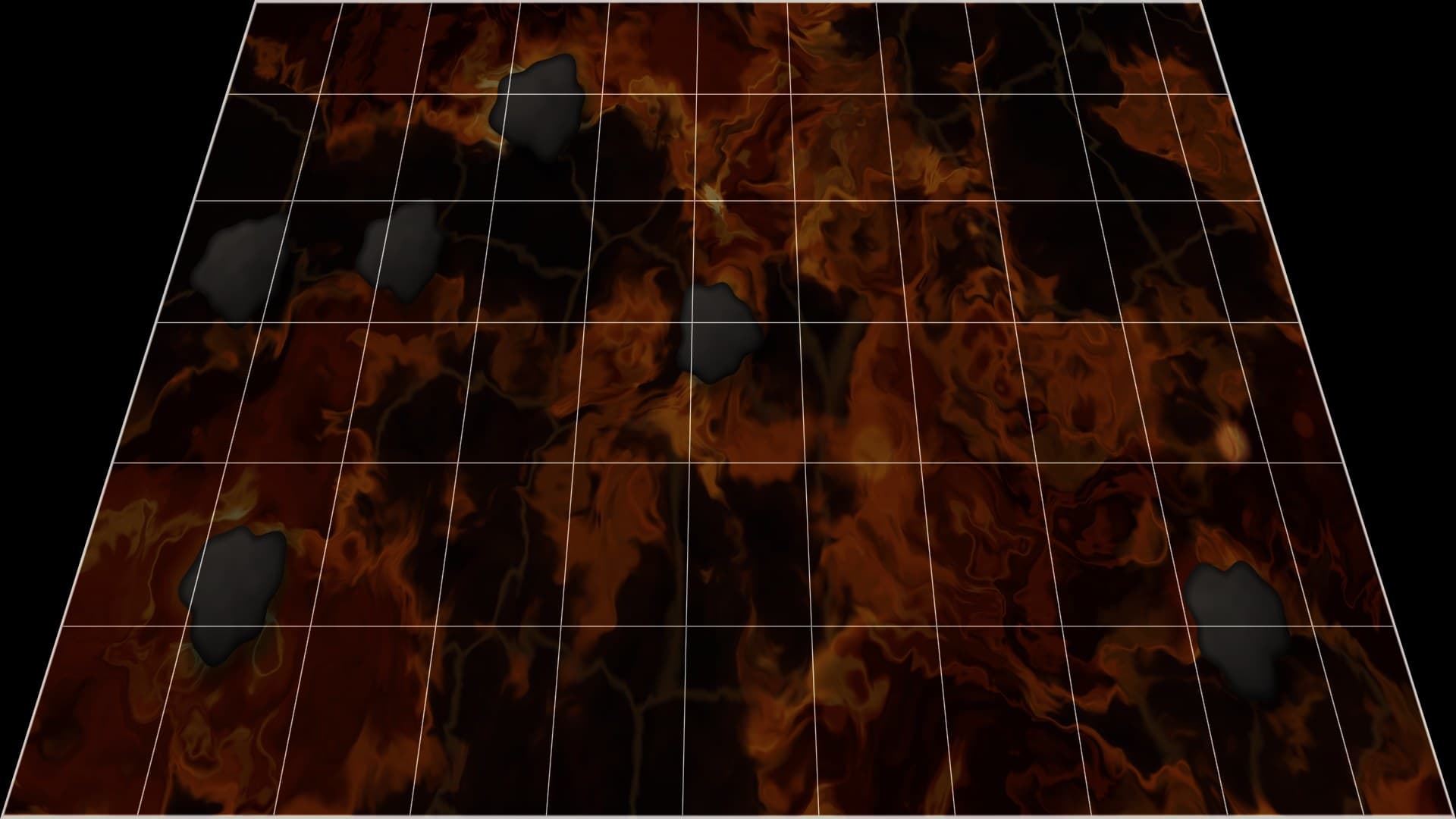
How to Project onto a Floor Without Mounting a Projector on the Ceiling
Published on September 26, 2026
How to Project onto a Floor Without Mounting a Projector on the Ceiling
Floor projections look effortless in shopping centres and museums because the projector is bolted to the ceiling, pointing straight down. At home, drilling into the ceiling for a party game is a hard sell. Luckily you don't have to. A projector on a table, a shelf or a tripod can light up a floor well. You just have to deal with what happens when light hits the floor at an angle.
This guide covers three practical setups, the three problems an angled projector causes, and how to fix each one. The examples use the free Floor Is Lava effect, which has the corrections built in.
Three ways to get the picture onto the floor
1. Straight down (if you can)
A projector pointing straight at the floor gives a perfect rectangle with even brightness, and nothing needs correcting. Short of a ceiling mount, you can sometimes get close with a boom-arm stand or a sturdy tripod angled out over the floor. Check the manufacturer's guidance first: some projectors aren't meant to run pointing straight down, because it can block their cooling vents.
2. Angled from furniture (the common setup)
Put the projector on the highest stable surface at the edge of the room, such as a bookcase, a chest of drawers or a tall tripod, and tilt it down at the floor. The higher it sits, the steeper the angle and the less correction you need. This is the setup most people will use, and it's the one the rest of this guide mostly deals with.
3. Off a mirror
Put the projector on a table facing sideways, and fix a mirror at about 45° in front of the lens so the beam turns downward. The result is close to an overhead picture, with no ceiling work. A few practical points:
- A front-surface mirror gives the sharpest image. An ordinary mirror works but can show a faint double image.
- The picture comes out mirror-reversed. It doesn't matter for lava or water, and Mirror horizontally in the effect's Placement controls flips it back if you need to.
- Clamp the mirror firmly. A mirror above a room of jumping kids needs to stay put.
The three problems with an angled projector
When the beam hits the floor at a slant instead of straight on, three things go wrong at once.
The picture is a trapezoid. The far edge of the picture is further from the lens than the near edge, so it spreads wider. What should be a rectangle becomes a fan shape.
The picture is stretched away from you. The same slant lengthens everything along the direction the projector is facing. Circles become ovals and squares become tall rectangles.
The far end is dimmer. The light reaching the far end covers a larger patch of floor, so each part of it is dimmer than the near end.
How to fix each one
Start with the projector's own keystone
Most projectors have a vertical keystone setting, and some adjust it automatically. Use it first. It narrows the wide edge of the picture so it lands closer to a rectangle. Its range is often limited, though, and a steep floor angle can go past it.
Then correct the rest in the effect
In Floor Is Lava, open Floor setup:
- Turn on Alignment grid so you have straight lines and squares to judge by.
- Set Far edge to whichever side of the picture lands furthest from the projector.
- Raise Angle correction until the grid's side lines run parallel. This draws the picture as the reverse trapezoid, so after the projector spreads it, it lands as a rectangle. The correction keeps straight lines straight, so the lava stays the same size from one end of the floor to the other.
- Adjust Depth correction until the squares look square. It undoes the stretch away from the projector.
- Raise Even out brightness if the near end still looks brighter. It dims the near end to match the far end, which is the only way to even things out, because a projector can't send more light to the far end.
- Turn the grid off.
Digital keystone in the projector and the correction in the browser both work by drawing the picture smaller inside the projector's frame, so both cost some resolution. For a lava floor that's hardly noticeable. The black border that appears around the corrected picture is the part of the frame no longer in use. It's black, so it doesn't light the floor.
Far edge also covers projectors placed beside the play area rather than at the end of it: choose Left of picture or Right of picture. There's no four-corner adjustment for awkward, off-centre angles, so aim the projector square-on to one side of the play area.
Choosing and preparing the floor
The floor is your screen, so it matters as much as the projector.
- Light and matte is best. Pale carpet, a beige rug or light wood reflect the most light.
- Dark floors swallow light. A white bedsheet or a roll of white paper laid over the play area makes a big difference. Tape the edges down so no one slips.
- Glossy floors glare. Polished tiles and varnished boards bounce a bright hotspot back towards anyone standing opposite the projector. A rug fixes it.
- Dark rooms beat bright projectors. Close the curtains and turn off overhead lights. Every bit of ambient light washes out the black areas and dims the colours.
Safety for a floor setup
A floor projection invites people to walk and jump through the beam, so plan for that:
- Keep the projector and its stand outside the area people move through.
- Run cables along the walls or tape them down flat.
- Make sure the furniture holding the projector can't tip if someone bumps into it.
- Tell kids not to stare into the lens. People standing near an angled projector are the ones most likely to look straight into the beam.
What to project
Floor Is Lava is the obvious choice. Its Shrinking Islands and Lava River games put a countdown and moving rocks on the floor, as described in Floor Is Lava Projector Game: Set It Up for Kids at Home. Koi Pond is a slower top-down scene for a calmer mood, but it has no angle correction of its own, so it suits the overhead or mirror setups best. For walls and windows rather than floors, Falling Snow is the easiest effect to start with.
Try These Effects
Floor Is Lava
A floor is lava game projected onto your floor. Shrinking Islands starts with the floor full of rocks, then they crack and sink one by one until one player is left. In Lava River you jump between rocks drifting across the room, faster every round. A big countdown is projected on the floor. Any projector works, including one on a table aimed down at an angle.
Koi Pond
Look down into a koi pond with individually patterned fish, a pebbled bed lit by moving caustics, and three scenes: a classic pond, a Chinese garden with lotus flowers and a Japanese garden with a waterfall. Watch for rare rainbow fish.
Falling Snow Projector
Make it snow on a window, wall or TV. Choose gentle snowfall, a heavy storm, big drifting crystals, wind-blown snow or a magical sparkle, and let it settle along the bottom edge. Everything else stays black, so only the snow lights up.
Related Articles
New Year's Eve Projector Party Ideas
Eight ways to use a projector, or just a TV, at a New Year's Eve party: from a slow starfield at dinner to fireworks at midnight, with the settings for each.
How to Project Fireworks on a Wall
Put a fireworks show on a wall, window or garage door with a projector and a browser, with no smoke and no noise complaints. Set it up and time the finale.
Floor Is Lava Projector Game: Set It Up for Kids at Home
Musical chairs on lava: a countdown on the floor, rocks that vanish one per round, and a river of floating stones. Just a projector and a browser.